
A single bad change in Google Ads can burn a week’s budget before anyone notices. That’s why the “AI vs PPC manager” question keeps coming up after the same mess: wasted spend hiding in search terms, audits nobody has time to repeat, anomalies spotted too late, and reporting that turns into a monthly fire drill.
The real issue is ownership. AI is excellent at relentless account hygiene and fast drafts. A PPC manager is the person who knows what the business can afford to test, what the brand can’t say, and which “optimization” is actually a risk. If you get that split wrong, you either move too slowly or automate your way into expensive mistakes.
Here, “AI” means software connected to Google Ads that runs audits, watches for spikes and drops, drafts recommendations, turns performance data into summaries, and prepares changes inside guardrails. A PPC manager sets the goals, picks the trade-offs, aligns stakeholders, and makes the calls when tracking is messy, intent is unclear, or budget decisions have consequences.
Tools like Roger sit in the middle: read-only by default, alerts and drafts on autopilot, and approval gates for anything that can change spend, measurement, or brand risk.
Which Tasks Should AI Own vs a PPC Manager? (Responsibility Map)
Approval gates only work when everyone agrees what “safe to automate” means. In the ai vs ppc manager debate, the cleanest split is: AI owns repeatable checks and drafts, a PPC manager owns intent and trade-offs, and both share anything that touches measurement, brand, or budget risk.
| Google Ads Workstream | Best Owner | What AI Can Do Well | What The PPC Manager Must Do |
|---|---|---|---|
| Account Audits And Hygiene | Shared | Scan search terms, flag waste, draft negative keywords, check structure basics (naming, duplicates, conflicts). | Decide intent boundaries, protect high-value queries, confirm exclusions will not block growth. |
| Bidding And Budget Management | Shared | Spot pacing issues, suggest bid or target changes, propose reallocations by campaign performance. | Set targets (tCPA, tROAS), define constraints (margin, inventory, lead quality), approve high-impact changes. |
| Creative And Messaging (RSA Assets, Offers) | PPC Manager | Draft RSA headlines and descriptions from existing copy, map assets to themes, flag weak ad strength. | Own brand voice, claims compliance, offer strategy, landing page alignment with sales and product. |
| Measurement And Tracking (GA4, Conversions, GTM) | Shared | Detect conversion drops, tag firing anomalies, mismatches between Google Ads and GA4 totals. | Define what counts as a conversion, validate event quality, manage consent, coordinate GTM changes. |
| Monitoring And Anomaly Detection | AI | 24/7 alerts for spend spikes, CPC jumps, conversion-rate crashes, disapprovals, broken URLs. | Decide response priority, separate seasonality from bugs, communicate impact to stakeholders. |
| Reporting And Insights | Shared | Generate weekly and monthly reports, explain drivers, list actions taken and pending approvals. | Tell the business story, defend trade-offs, set next steps tied to revenue, pipeline, or unit economics. |
| Experimentation (A/B Tests, Learning Agenda) | PPC Manager | Suggest experiment ideas, draft hypotheses, monitor results and guardrails. | Choose what to test, manage risk, interpret messy results, decide whether to roll out. |
This responsibility map is why “AI replaces the PPC manager” rarely holds in real accounts. AI can run the checks and produce drafts fast. A PPC manager keeps Google Ads optimization tied to business reality, then uses approvals to limit the blast radius.
Where AI Breaks in Real Accounts (And What Humans Catch)
The fastest way to lose money in the “ai vs ppc manager” debate is to treat AI output as truth. AI is great at scanning accounts and drafting actions. Real Google Ads accounts break that neat logic because the data is messy, intent is ambiguous, and business risk is uneven.
Here are the failure modes that show up repeatedly in production accounts, and what a PPC manager catches before spend goes sideways:
- Bad conversion data: If GA4 conversions double-count, if Google Tag Manager fires on page load, or if Enhanced Conversions is misconfigured, AI will “optimize” toward noise. A PPC manager audits the measurement chain (Google Ads conversions, GA4 key events, GTM triggers) before trusting any bid or budget recommendation.
- Attribution gaps and channel conflict: AI often reads last-click performance at face value. A PPC manager checks whether Brand Search is stealing credit from Meta, email, or organic, and whether Performance Max is cannibalizing Shopping. The right move can be budget reallocation, not “raise bids.”
- Brand and legal nuance: AI can propose RSA assets that violate brand voice, regulated claims, or internal approval rules. Humans recognize when “best” or “guaranteed” creates compliance risk, and when competitor conquesting violates policy or contracts.
- Edge-case intent in search terms: AI will suggest negative keywords based on low conversion rate. A PPC manager spots high-LTV queries with long sales cycles, B2B research intent, or seasonal demand, and avoids blocking future pipeline.
- Risk trade-offs: AI tends to push toward a single metric (CPA, ROAS). A PPC manager makes the call when the business needs volume, when stock is constrained, or when the sales team cannot handle more leads.
What “Override” Looks Like in Practice
A PPC manager uses AI drafts as a starting point, then applies constraints: protect top-of-funnel terms, cap changes to budgets and tROAS, and require approvals for anything that can swing spend. This is where tools like Roger fit well: they surface anomalies and draft negatives or bid changes, but keep execution behind guardrails and approval gates.
How Do You Run AI Safely in Google Ads Without Losing Control?
Guardrails decide who wins the ai vs ppc manager argument in practice. If an AI can read everything and change everything, you will eventually ship a bad negative keyword list, break pacing, or overwrite a carefully chosen tROAS. Safe AI in Google Ads starts with least-privilege access and ends with a clean rollback path.
AI vs PPC Manager Safety Workflow (Guardrails That Hold Up)
- Start read-only. Connect AI with Google Ads read access first. Let it audit search terms, flag anomalies, and draft recommendations before it can touch spend.
- Separate “draft” from “apply.” Require explicit approval for changes that move money or measurement: budgets, bidding targets (tCPA, tROAS), conversion actions, location targeting, and broad negatives.
- Define hard limits. Set caps such as “max 10% daily budget change per campaign” and “no bid strategy change without human sign-off.” These limits prevent slow drift and sudden blowups.
- Use change logs you can audit. Every suggestion and applied edit needs a timestamp, actor (AI or person), and the exact before-after values. Google Ads Change History helps, but keep a second log in your workflow tool (Asana, Jira, or a shared Google Sheet) for approvals.
- Make rollback boring. Store the previous settings for any proposed edit so you can revert fast. For larger shifts, use Google Ads Experiments so you can stop the test without rebuilding campaigns.
- Revoke access in one click. Treat AI access like a contractor: easy to remove, easy to rotate, and reviewed quarterly.
GDPR safety is mostly operational. Minimize data pulled from Google Ads, avoid exporting raw search terms into uncontrolled tools, and document your data processing. If you use a vendor, confirm EU data residency, retention limits, and security controls. For reference, Google explains its Google Ads data policies in its Advertising and Privacy documentation.
This is why AI plus a PPC manager works: AI runs consistent checks and drafts changes, the PPC manager controls permissions, approvals, and risk.
When Should You Choose AI-Only, Manager-Only, or Hybrid?
Permissions and approvals decide how far you can push automation. In the ai vs ppc manager decision, pick AI-only only when mistakes have a small blast radius, and pick manager-only when the account needs judgment more than speed. Most teams land on hybrid because Google Ads optimization mixes repeatable hygiene with business trade-offs.
AI-Only, Manager-Only, or Hybrid: A Quick Decision Framework
- Monthly spend and change volume: If the account has low spend and simple goals, AI-only monitoring, audits, and drafted negatives can cover most needs. As spend rises, the cost of a wrong bid or budget change rises too, so add a PPC manager for approvals and pacing.
- Account complexity: A single Search campaign with stable conversion tracking is easier to automate than a mix of Brand, Non-brand, Performance Max, Shopping feeds, geo splits, and offline conversion imports. Complexity pushes you toward hybrid.
- Measurement risk: If conversions depend on GA4 key events, Google Tag Manager triggers, consent mode, or CRM uploads, assume the data will break at some point. Use AI for detection, use a PPC manager to validate and decide what to optimize toward.
- Regulatory and privacy sensitivity: If you operate under strict GDPR expectations, keep least-privilege access and approval gates. Tools like Roger help here with read-only defaults, approval-based changes, EU data residency, and short data retention.
- Internal capacity and response time: If nobody can respond to alerts within a business day, AI-only can still reduce waste with always-on anomaly detection. If stakeholders demand rapid answers and weekly learning agendas, hybrid wins.
- Reporting expectations: If you need client-ready narratives that explain trade-offs (lead quality, margin, seasonality), a PPC manager owns the story. AI can generate the draft report and pull the drivers.
Use manager-only when you are rebuilding tracking, repositioning offers, entering new markets, or managing brand and legal constraints. Use AI-only when you mainly need consistent hygiene and fast alerts. Use hybrid for everything in between, which is most real accounts.
Three Scenarios: E-Commerce Waste, Lead Gen Tracking, Agency Scale
Most real accounts sit in the “ai vs ppc manager” middle ground: you want AI speed on hygiene and monitoring, and you want a human to approve anything that can change spend, tracking, or brand risk. These three scenarios show the split in practice, including what gets automated, what needs approval, and what improves.
AI vs PPC Manager Scenarios In Real Google Ads Accounts
1) E-commerce account bleeding spend through search terms. The pattern is high spend on generic queries, weak product-fit traffic, and Shopping or Performance Max cannibalization.
- AI owns: daily search term scans, waste flags by query and match type, drafts of negative keywords, broken URL checks, and alerts when ROAS drops or CPC jumps.
- PPC manager owns: deciding intent boundaries (what stays as prospecting vs what gets excluded), margin and inventory constraints, and whether to shift budget between Brand Search, Shopping, and Performance Max.
- Approval required: broad negatives, large budget moves, bid strategy target changes (tROAS), and feed-driven changes that can reduce coverage.
- KPIs that move: wasted spend share, search term efficiency, ROAS stability, time-to-detection for spikes.
2) Lead gen account with tracking drift. Form fills look fine in Google Ads, but GA4 shows a drop, or leads degrade after a CRM change.
- AI owns: alerts on conversion-rate crashes, mismatches between Google Ads conversions and GA4 key events, and landing page error monitoring.
- PPC manager owns: conversion definition, deduping (GTM triggers, thank-you page logic), consent and data handling, and sales feedback loops in HubSpot or Salesforce.
- Approval required: any change to conversion actions, offline conversion imports, and bid strategy changes based on suspect data.
- KPIs that move: lead quality rate, cost per qualified lead, tracking uptime, reporting credibility.
3) Agency managing many small accounts. The pain is inconsistent hygiene, slow reporting, and missed anomalies across clients.
- AI owns: scheduled audits, 24/7 anomaly alerts, draft negatives, and first-pass weekly reports with actions taken and pending approvals.
- PPC manager owns: prioritization across clients, client communication, offer and messaging direction, and escalation decisions when spend risk appears.
- Approval required: anything that changes budgets, geo targeting, or bidding targets across accounts.
- KPIs that move: hours saved per week, SLA for anomaly response, report turnaround time, fewer “surprise” overspends.
In all three, tools like Roger fit best as the AI layer that drafts and monitors continuously, then routes high-impact changes through approvals with read-only access by default.
Roger as the Hybrid Model: Audits, Alerts, Drafts, and Approval-Based Changes
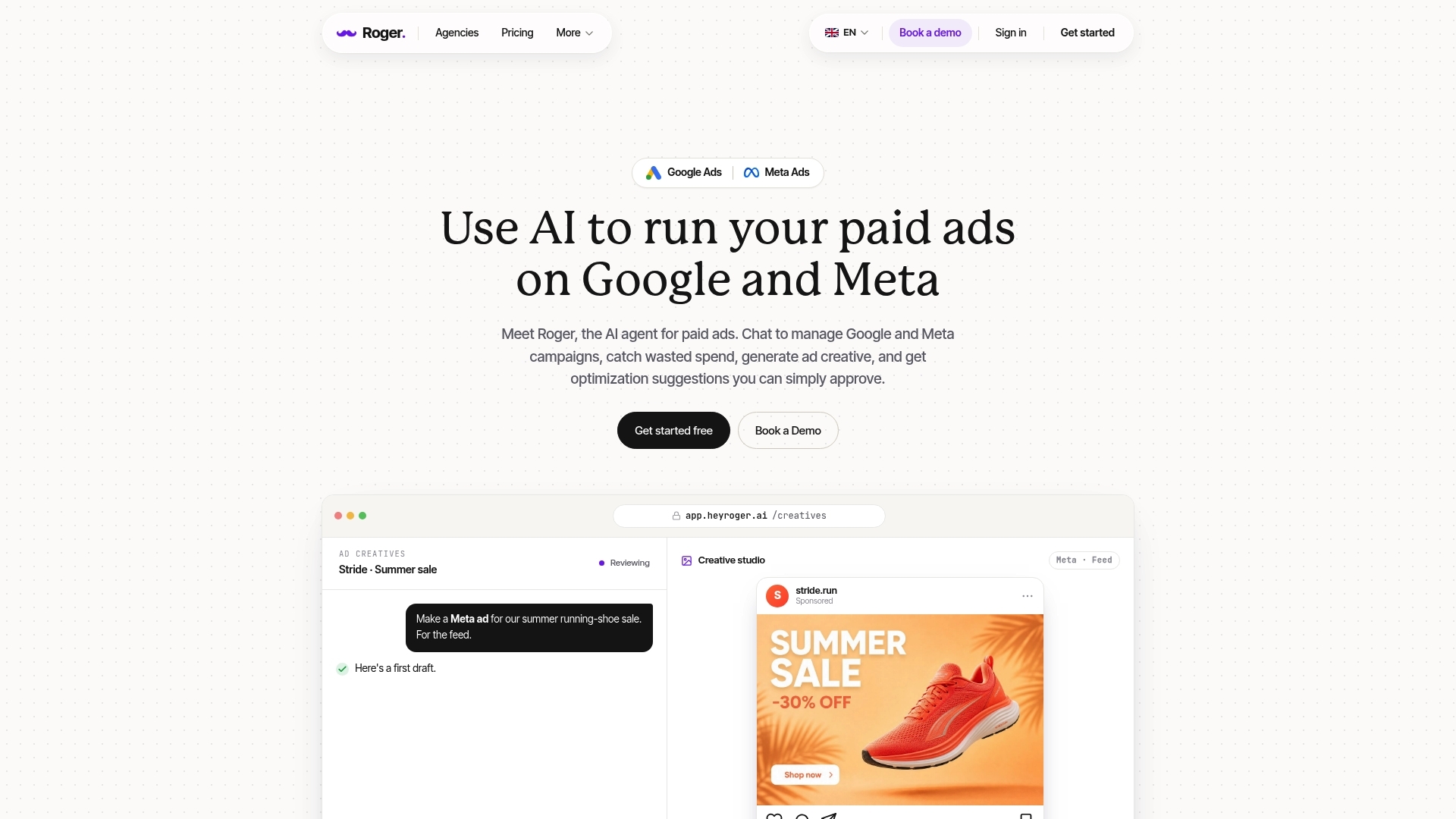
In the ai vs ppc manager split, Roger fits the hybrid lane: it handles the repeatable Google Ads optimization work continuously, then hands you drafts and decisions where judgment and risk matter. That structure matches how real accounts run, especially when you manage multiple clients, limited time, and tight approval rules.
Roger connects to Google Ads (including MCC) and can also work alongside GA4 and Google Tag Manager workflows. It runs audits to surface waste, monitors performance for anomalies, drafts optimizations, and turns account activity into client-ready reporting. The guardrail is simple: read-only by default, and changes apply only after you approve them.
How Roger Splits Work Between AI and the PPC Manager
- Audits and hygiene: Roger flags search-term waste, structural issues, conflicts, and missed basics. It can draft negative keyword lists for review so you can protect high-intent and high-LTV queries.
- Alerts and anomaly detection: Roger watches spend spikes, conversion drops, CPC jumps, disapprovals, and broken URLs, then alerts you fast enough to stop bleed.
- Drafts for high-impact changes: Roger can propose bid and budget adjustments, then routes them through approval gates so you control pacing and targets like tCPA and tROAS.
- Client-ready reporting: Roger generates weekly or monthly summaries with drivers, actions taken, and pending approvals. You add the business context, trade-offs, and next steps.
- Safety and privacy: Roger supports EU data residency, GDPR-aligned handling, one-click revoke access, and data deletion within 30 days. Roger also states CASA Tier-2 audited security, which matters when you grant any tool account access.
If you want a practical next step, pick one account and run a two-week hybrid pilot: keep Roger read-only, turn on anomaly alerts, and approve only low-risk drafts like negative keywords. You will learn quickly where AI saves hours, and where your PPC manager judgment protects revenue.
